
New customer? Buy your NFC pet tag first, then tap it to start activation.
Shop nowDesigned for faster reunions
NFC pet tags built for real emergency moments.
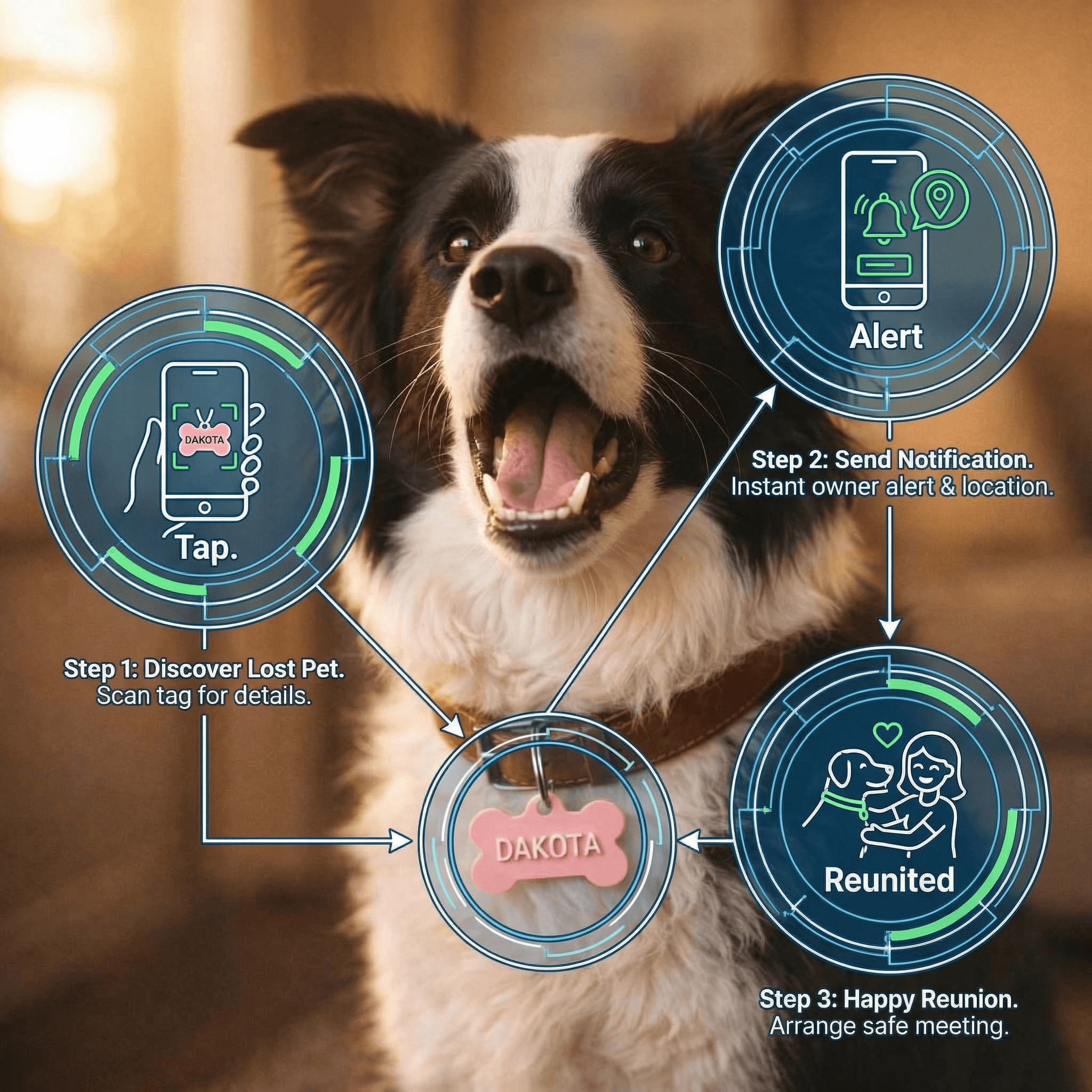
Buy a physical tag, attach it to your pet, then activate it by tapping the tag on a phone. Finders get one clear action path and you get a direct alert.
Private contact flow2-minute setupMobile-first finder experience
onboarding
How PawPort works in real life
This flow is built around the physical NFC tag so setup is simple for you and obvious for anyone who finds your pet.
- Step 1Physical tag on collar
Purchase -> Attach
Buy and attach your tag
Get a PawPort NFC tag and clip it to your pet's collar so finders have one clear place to scan.
- Attach once to the collar.
- Ready for finder scans right away.
- Step 2No app download required
Tap -> Activate
Tap and complete setup
Tap the tag with your phone, open the activation link, and add your pet profile details in minutes.
- Open your personal activation link.
- Add photo, notes, and key info.
- Step 3Fast owner notification
Scan -> Alert
Get finder alerts instantly
When someone scans the tag, they land on your pet's page and can send you a direct private alert.
- Finder sees a clear public page.
- You get a private contact alert fast.